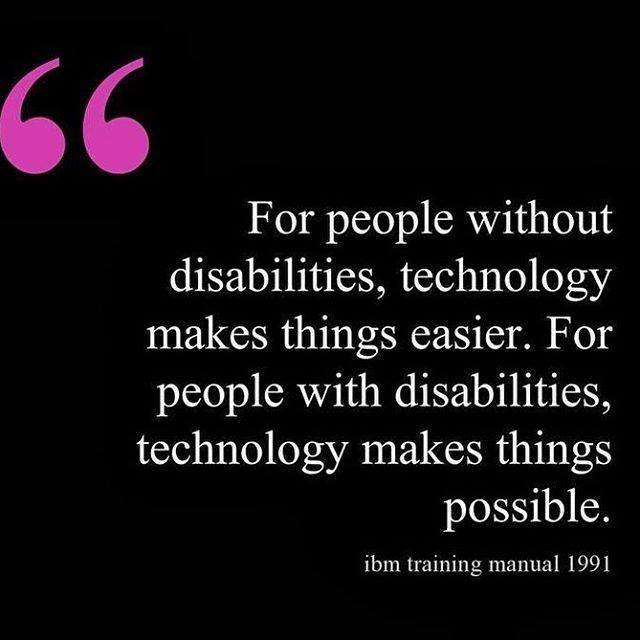
Every Monday I share a different ed tech quote on our Thompson Classroom social media pages for our staff to consider. This week’s Mantra is: Are you curious as to what tech MVSD has available to support your students or yourself? Reach out and we’ll work together to help meet the unique needs of your classroom.
Follow Friday
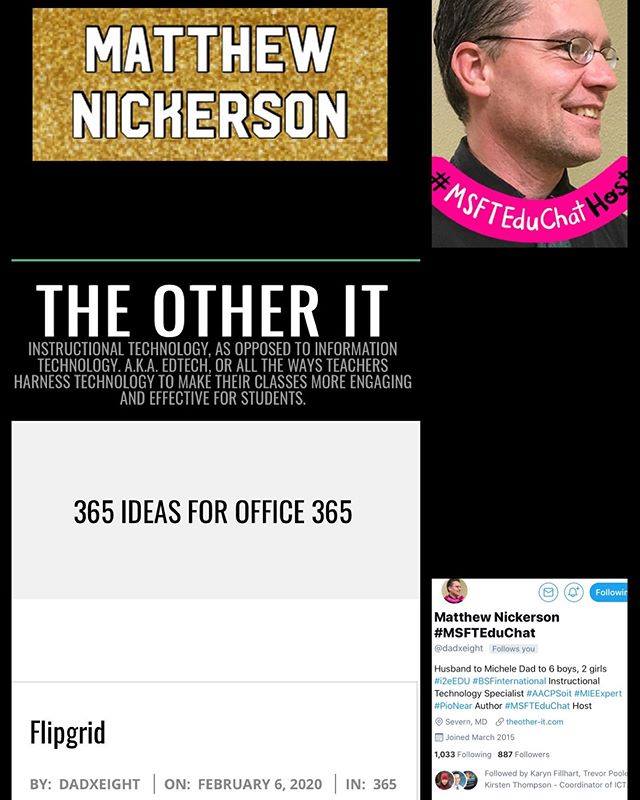
Every Friday I share what I believe to be a notable person/organization/school on our social media pages to assist our staff in the development of their online Personal Learning Network. Being that MVSD is a Microsoft division I would like to highlight Matthew Nickerson. His twitter feed and blog is full of great info to help you with your Office 365 integration! I also have his book available for any staff who’d like to check it out. Matthew Nickerson. (2020). Uploaded by Kirsten Thompson. Available online at: http://fishbowlteaching.blogspot.com/
#WOWWednesday
Every Wednesday I highlight some of our amazing MVSD staff on our social media pages. Everyday our staff are using tech in new and exciting ways, are learning new skills, and are sharing ways in which ed tech is assisting them in their practice. This week I am so excited to show what Josh at Ecole Macneill has set up for his early years classroom. His room features smart bulbs which have been preset with the class schedule and provide a visual cue for transitions (ex: 5 mins left, new classes, etc). They can also be run manually… Read More
#TechTipTuesday
Every Tuesday I share a Tech Tip on our social media pages to assist our staff in their use of technology as it relates to their role. This week I would like to highlight one of our Office 365 tools, Planner. At its most basic level this is a “to-do list” but it can be so much more! The collaborative features and sharing options lends itself to so many possibilities. Check out a quick overview from IGTV below: View this post on Instagram Today’s #TechTipTuesday features Microsoft Planner and its use as a classroom tool. #mvsd_mb… Read More
#MantraMonday
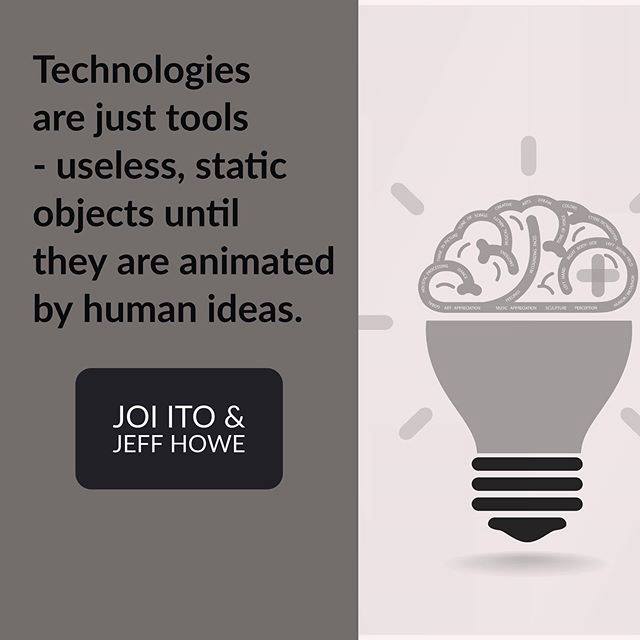
Every Monday I share a different ed tech quote on our Thompson Classroom social media pages for our staff to consider. This week’s Mantra is: February 3rd is also the start of second semester here in MVSD. What ideas do you have to infuse technology in your room this term?
#WOWWednesday
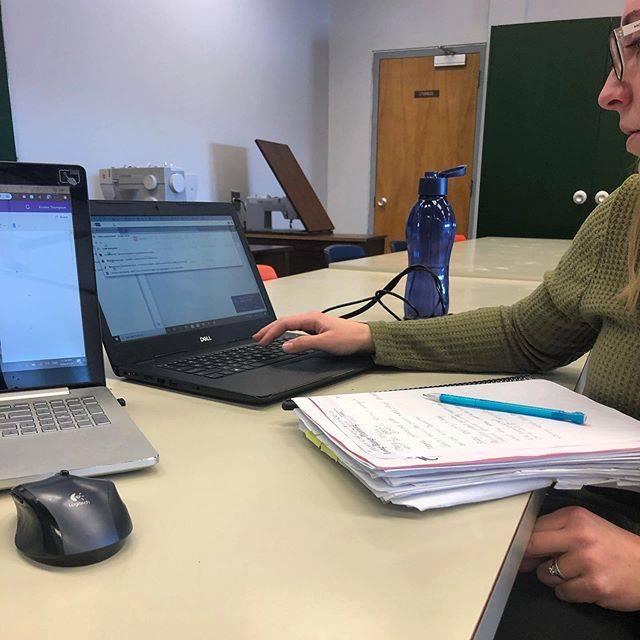
Every Wednesday I highlight some of our amazing MVSD staff on our social media pages. Everyday our staff are using tech in new and exciting ways, are learning new skills, and are sharing ways in which ed tech is assisting them in their practice. This week I would like to showcase Kelsey at GVS who committed her Monday morning to learning more about Office 365. She’s now prepared to introduce collaboration features and learning tools with her Gr 4 class. Well done! Office 365 Training. (2020). Uploaded by Kirsten Thompson. Available online at: http://fishbowlteaching.blogspot.com/
#TechTipTuesday – Data Privacy Day

Every Tuesday I share a Tech Tip on our social media pages to assist our staff in their use of technology as it relates to their role. Did you know that today is Data Privacy Day? I invite you to follow along on our Facebook & Instagram stories for ongoing tips about keeping yourself and your data secure.
#MantraMonday
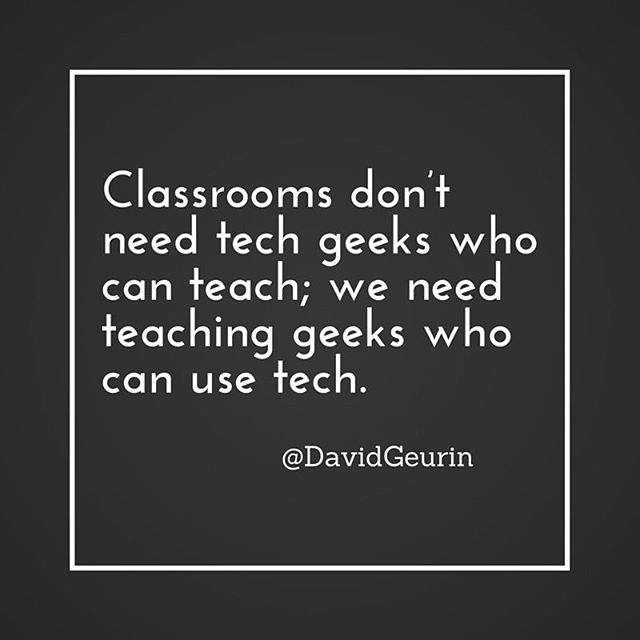
Every Monday I share a different ed tech quote on our Thompson Classroom social media pages for our staff to consider. This week’s Mantra is: Do you need support with finding ways to strengthen your understanding of ed tech? Reach out, I’m here to help!
Follow Friday

Every Friday I share what I believe to be a notable person/organization/school on our social media pages to assist our staff in the development of their online Personal Learning Network. In preparation of the DisruptED Future conference next week I wanted to highlight the applicable social media information surrounding the event. If you cannot attend a conference in person then following their social media pages (and any conference hashtags) can be a great way to still be involved. Disrupted. (2020). Uploaded by Tech MB.
School Tech Tips Displays
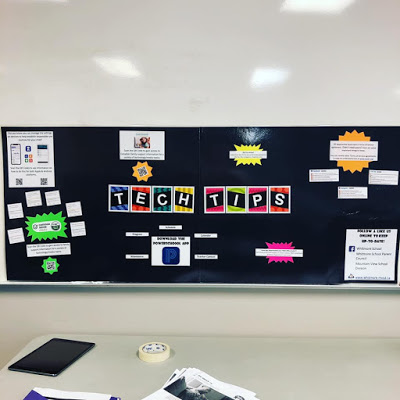
One of my favourite things is helping our schools to strengthen the digital capacity of their entire community (staff, students, and families). One strategy that we are trying is to display informative and eye-catching displays in central pick-up locations. These displays include: – parent/guardian tech tips – school/divisional social media contacts – PowerSchool app information – Canadian youth media research – QR codes for easy info access Some schools have displays that are easily movable and chose to have them up during high-traffic events like parent-teacher while others have more static displays in their lobbies/central hallways. … Read More