Every Friday I share what I believe to be a notable person/organization/school on our social media pages to assist our staff in the development of their online Personal Learning Network. Are you using SeeSaw to share with families during this time? Check out their social media for tips, tutorials & support. SeeSaw Social Media. (2020). Uploaded by Kirsten Thompson. Available online at: http://fishbowlteaching.blogspot.com/
#WOWWednesday
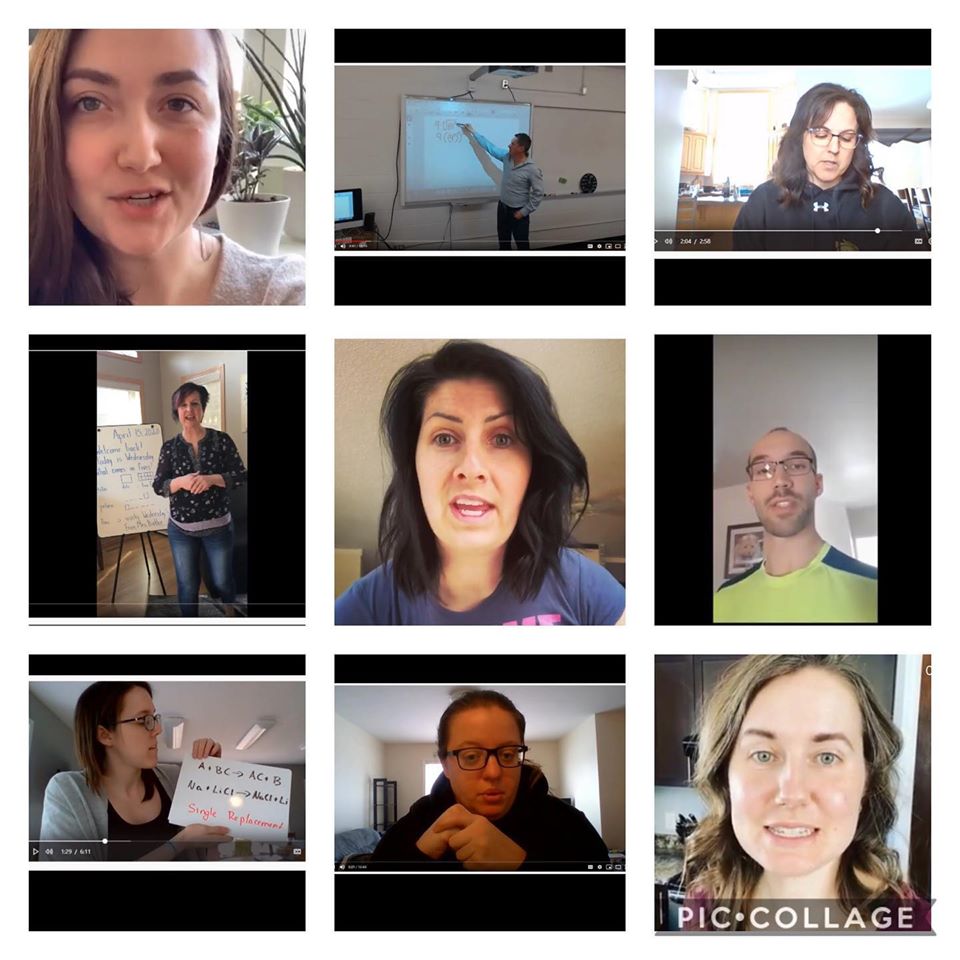
Every Wednesday I highlight some of our amazing MVSD staff on our social media pages. Everyday our staff are using tech in new and exciting ways, are learning new skills, and are sharing ways in which ed tech is assisting them in their practice. This week goes out to all of our MVSD staff who have been jumping in front of the camera & creating content to connect to & teach their students; this is just a small sampling of the videos that are posted publicly. Well done to all! MVSD Staff Video Instruction. (2020). Uploaded by Kirsten Thompson. Available… Read More
#TechTipTuesday – Work Life Balance
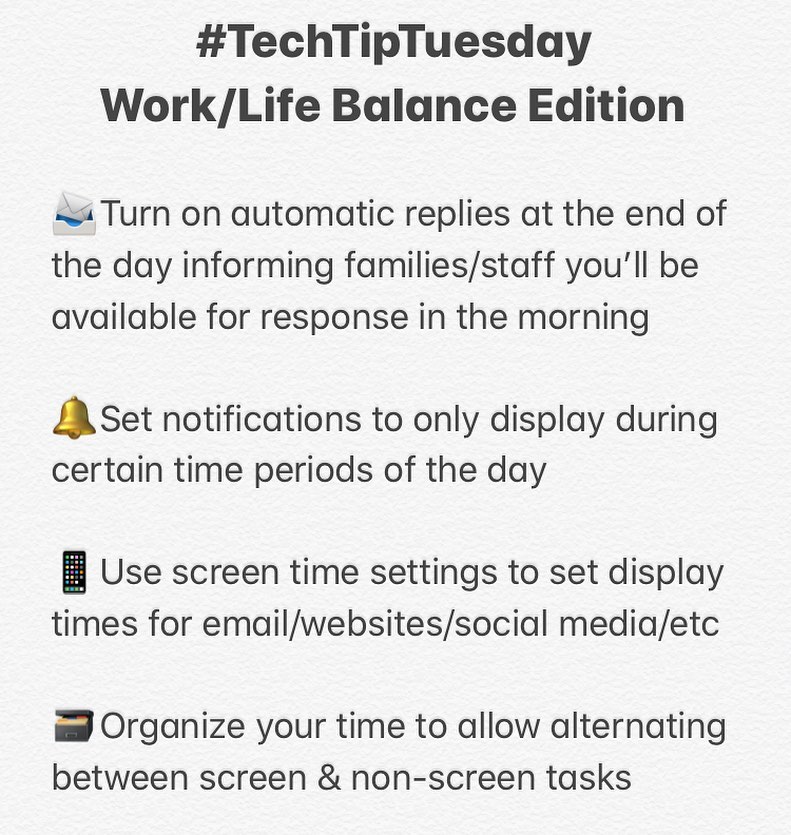
Every Tuesday I share a Tech Tip on our social media pages to assist our staff in their use of technology as it relates to their role. This week I would like to focus on finding balance between life & work during this new working situation. We’re all interacting with screens much more than normal & are without our routines; hopefully these tips can help provide support! Work Life Balance Tips. (2020). Uploaded by Kirsten Thompson. Available online at: http://fishbowlteaching.blogspot.com/
MVSD Tech Support Request Form
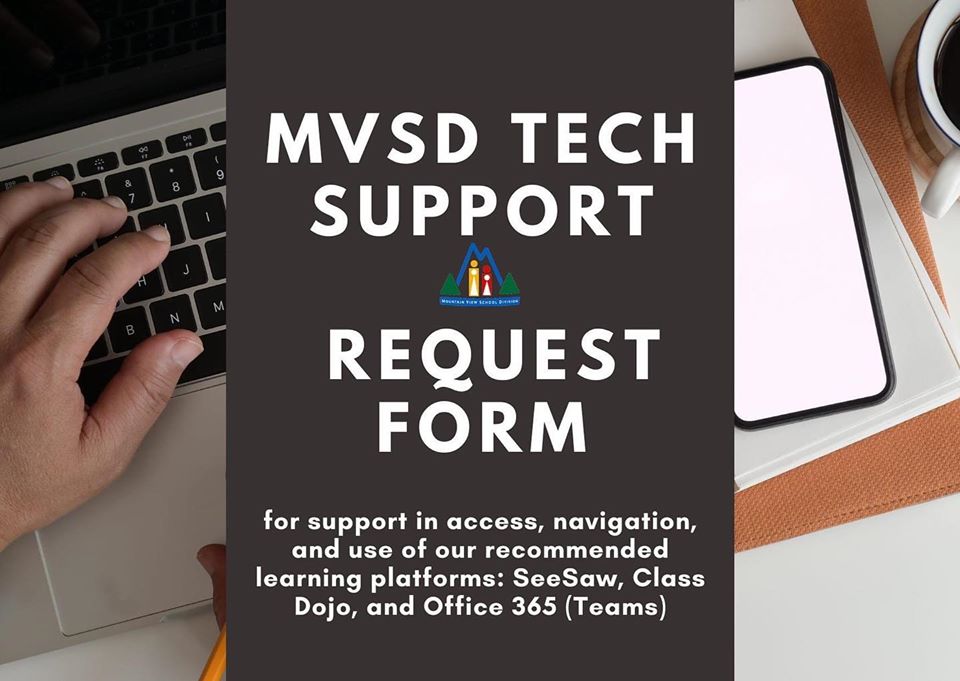
MVSD Tech Support Request Form. (2020). Uploaded by Kirsten Thompson. Available online at: http://fishbowlteaching.blogspot.com/ In our continued effort to support families, the MVSD ICT Team has launched a Tech Support Request platform for parents/guardians. This platform provides support to help facilitate the access, navigation, and use of our recommended learning platforms: SeeSaw, Class Dojo, and Office 365 (Teams). Our technicians can assist with tutorials of these platforms as well as facilitate login support for those needing user name and passwords for Office 365. This platform will replace the Family Tech Q & A service that was occuring through our divisional Facebook page. *Please… Read More
Still Reporting From Home…
If you count spring break then today starts week 5 at home. How are you holding up?
Microsoft Teams MVSD Webinar
The following tutorial has been put together for MVSD staff members to assist them in their use of Microsoft Teams. It is designed to help guide future use of the platform, make use of different features, and answer some of the FAQs sent forth to the ICT Department. Use the following timestamps below to help find the topic(s) most useful for you: 0:00 – Introduction 4:43 – How To Access Teams & Ensure Credential Transfer 7:00 – How To Create a Team/Team Types 10:14 – Can I Add in a Parent/Guardian to a Team 12:26 – Teams Interface & Personalization… Read More
#WOWWednesday
Every Wednesday I highlight some of our amazing MVSD staff on our social media pages. Everyday our staff are using tech in new and exciting ways, are learning new skills, and are sharing ways in which ed tech is assisting them in their practice. This goes out to our MVSD staff who have elected to offer public class portals through our school websites! These not only provide resources for families but are a great way to share resources with colleagues worldwide. This is just one of many great pages now available.
#WOWWednesday
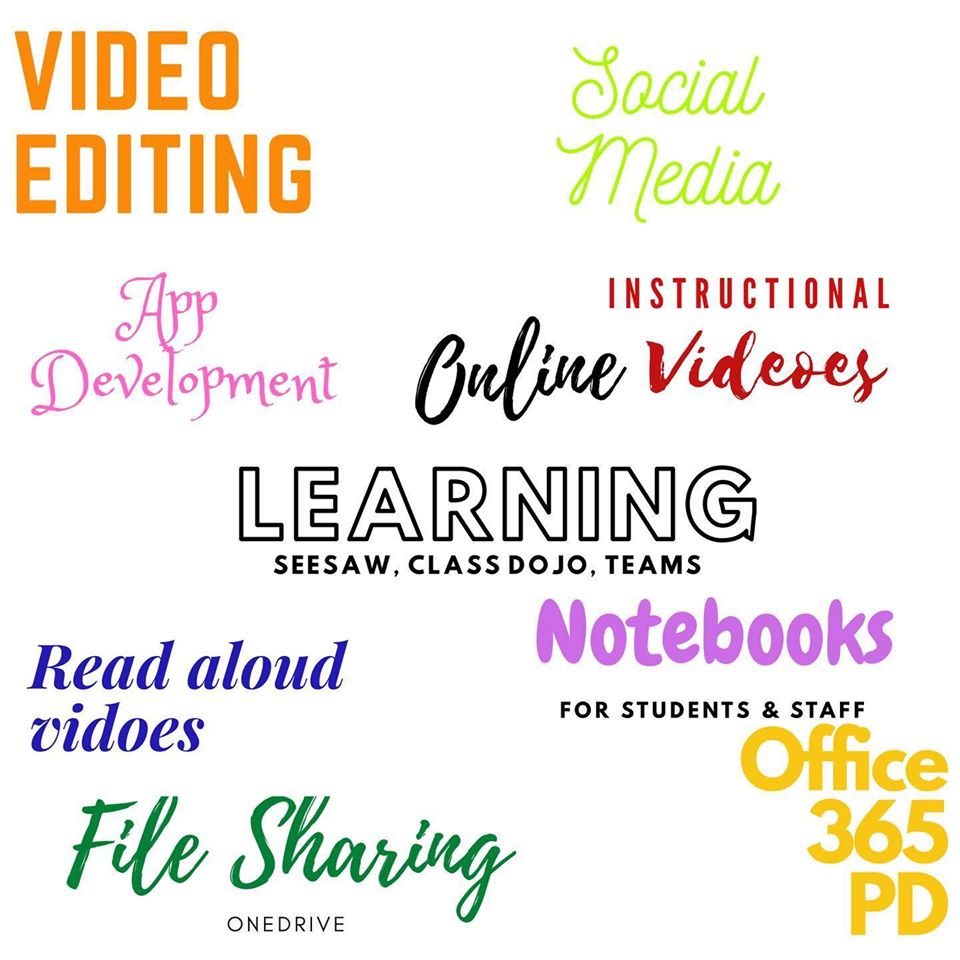
Every Wednesday I highlight some of our amazing MVSD staff on our social media pages. Everyday our staff are using tech in new and exciting ways, are learning new skills, and are sharing ways in which ed tech is assisting them in their practice. This week I’d like to send a huge THANK YOU to all of our MVSD staff who have stepped up these past few weeks to take on extra ed tech projects to reach their students; you rock! Covid-19 Ed Tech Projects. (2020). Uploaded by Kirsten Thompson. Available online at: http://fishbowlteaching.blogspot.com/
Microsoft – Google Platform Comparisons
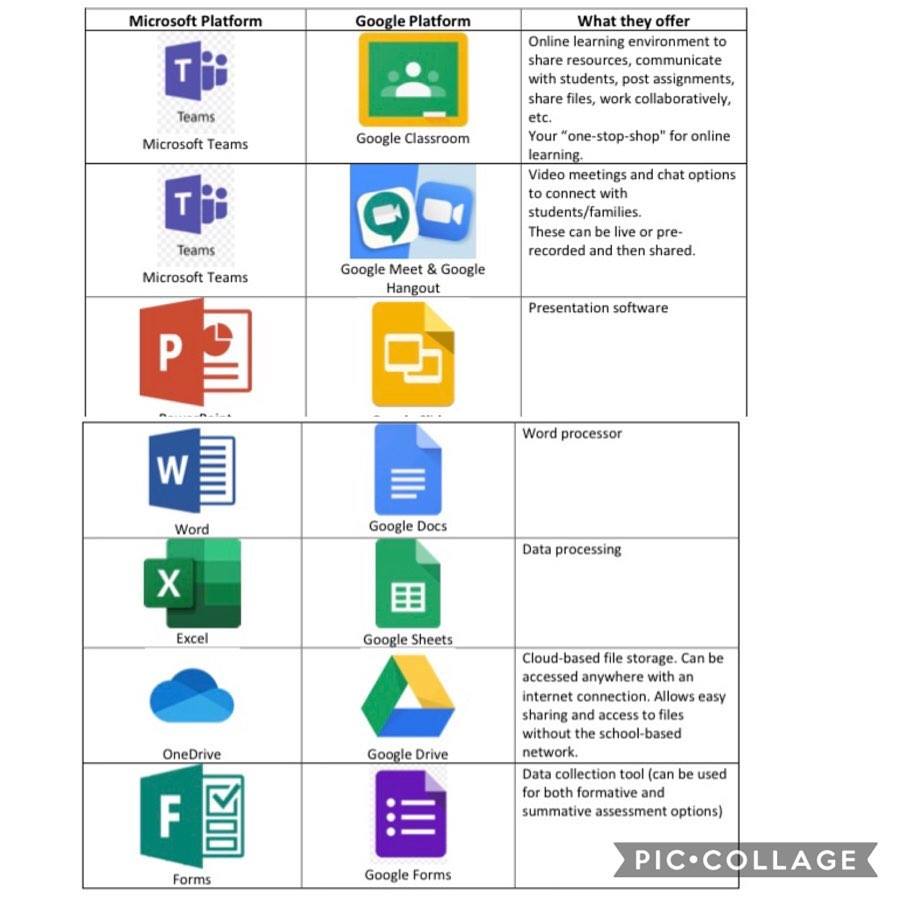
One of the amazing things to come of this time is an abundance of resource sharing online from educators all over the world! Most school divisions/districts around the world fall into two realms: those operating in a Microsoft environment and those operating in a Google environment (although some offer both). Using the environment offered by your division is important as: It is most familiar to your staff and students It is easily serviced and troubleshooted by your ICT Department It has your staff and students already in the system (no signing up for accounts, passwords, etc) It has systems in place to ensure any staff… Read More
Message to Parents/Families re: Virtual Play Dates
Friendly reminder from my position of Coordinator of ICT in Mountain View School Division. If you are arranging virtual play-dates for your children and their friends please do your research regarding the platform you choose to use. Many organizations are offering free services right now. Please remember that if something is free it is because you are the product. All school divisions in Manitoba are either operating on a Google platform or a Microsoft platform (and some have both). That means your child automatically has access to a free, secure, safe platform to use that will ensure confidentially, security, and insurance… Read More